
Account Activation

Account Activation Instructions
The account activation process is uniform for all user groups, including students, academic and administrative staff and candidates.
Account activation is required in order to create an initial password and gain access to the University's systems and services.
Once a user becomes eligible for a University account, they will receive an SMS message and an email containing :
-
Their University Username
-
A link to activate the account
Notification Timing by User Type :
-
Students - will receive the activation message after completing their enrollment/registration process.
-
Employees/Staff - will receive the activation message once their appointment has been recorded in the University systems.
-
Candidates - will receive the activation message following completion of the applicable registration procedures.
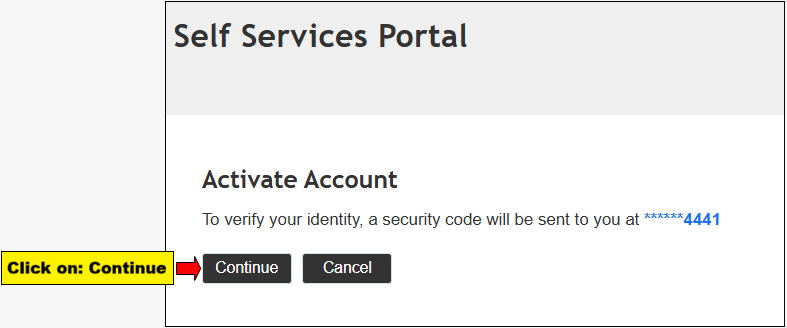
Account Activation Guide :
Example of Email and SMS notifications sent following account creation :




____________________________________________________________________________________________________________
In case an SMS message or email was not received :
-
Contact Helpdesk at 03-6408888 to obtain your username.
-
Activate the account via the University User Account Activation interface.
Activation not completed or password forgotten after account activation :
If the activation process was not completed or the password was forgotten, the password can be reset via the Forgotten Password interface.